Skip to content
atanethyst

LeadFlow Engine: lead capture, enrichment and CRM sync

A demo build. All people, companies, contacts and records shown are fictional, for demonstration only.

LeadFlow Engine turns website form submissions into enriched, correctly assigned CRM leads and alerts your team in Slack, with error handling designed in from the start so nothing gets lost or duplicated.

Client
Demo build
Role
Sole developer: workflow design, integrations and error handling
Industry
Sales & marketing
Category
Workflow Automation
Year
2026
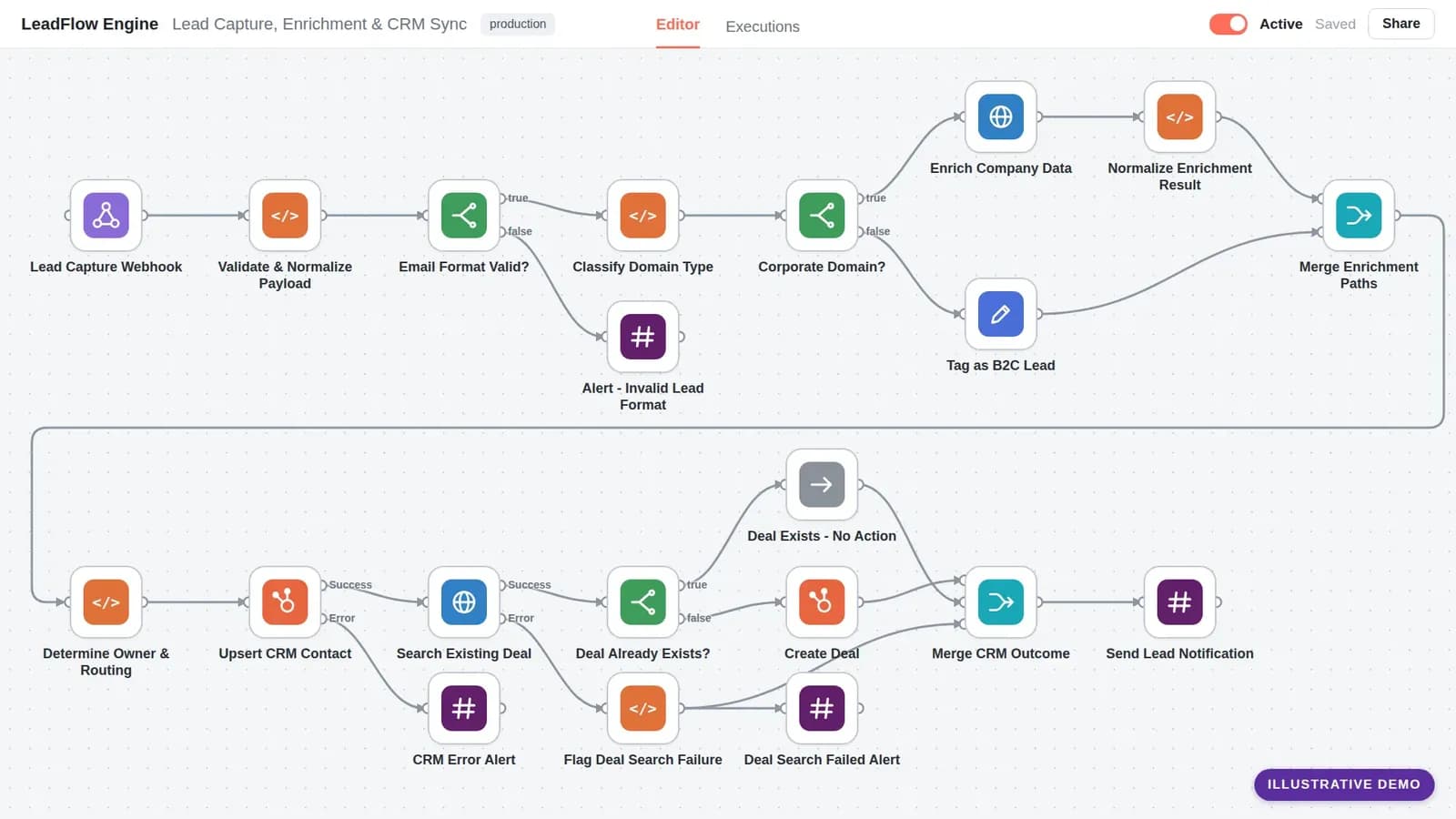
n8n canvas of the LeadFlow Engine workflow, from the lead capture webhook to the Slack notification, with error branches
  • 21

    Workflow nodes

  • 3

    Failure paths with their own alerts

  • 0

    Deals created when the duplicate check can't be confirmed

The challenge

Leads from website forms get lost in inboxes and spreadsheets. Someone has to copy each entry into the CRM, look up the company, decide who should follow up and tell them, and every manual step adds delay, typos and duplicate records.

The solution

LeadFlow Engine is an n8n workflow that takes a lead from "someone filled in a form" to "a salesperson is following up" without manual steps.

  1. Secure intake: form submissions arrive through a webhook that only accepts requests carrying the website's secret header, and the form gets an instant response while the rest runs in the background.
  2. Validation and clean-up: whitespace is trimmed, emails are normalised, and malformed entries are rejected with an alert.
  3. Enrichment: business emails are enriched with company name, size, industry and job title. Personal emails such as Gmail skip paid enrichment and are tagged as B2C.
  4. HubSpot sync: existing contacts are updated rather than duplicated, and a deal is created only when none exists.
  5. Routing: leads are assigned by company size and region, for example enterprise accounts to a senior account executive and smaller ones to inside sales.
  6. Slack notification: the owner sees the lead's details, enrichment data and a direct CRM link.

Built to fail safely

  • Every external call has a defined success path and a defined failure path.
  • If the enrichment service is down, the lead still reaches the CRM with sensible defaults.
  • If the CRM can't confirm whether a deal already exists, the workflow doesn't guess: it creates no deal, flags the lead for manual review and alerts the team, which prevents duplicate deals.
  • Invalid submissions and CRM errors go to their own Slack channels, and a dedicated error workflow catches anything unexpected.

The result

Leads reach the right person quickly, with clean, enriched records in the CRM and no duplicate deals, and failures are reported instead of silently corrupting data.

(No speed or conversion figures are claimed: the timings in the images are illustrative.)

Who it's for

  • Small businesses that lose leads in inboxes and spreadsheets.
  • Agencies that manage lead flow for clients and need consistent, auditable pipelines.
  • Startups that want a sales process that scales without hiring a coordinator.
  • Sales and marketing teams who want fast, accurate handoffs between the two.

Adaptable: the enrichment provider (Apollo here, or for example Hunter) and the CRM (for example Salesforce) can be swapped.
Built with

  • n8n
  • HubSpot
  • Apollo
  • Slack
  • Webhooks
  • REST APIs
  • JavaScript

Image 1 of 8

n8n webhook node with header authentication beside the raw form submission, including untrimmed name and email values
Intake: the website form posts each submission to a secured webhook.

All product names and trademarks belong to their respective owners. This project is an independent demonstration and is not affiliated with or endorsed by the companies mentioned.

Selected work

See all projects
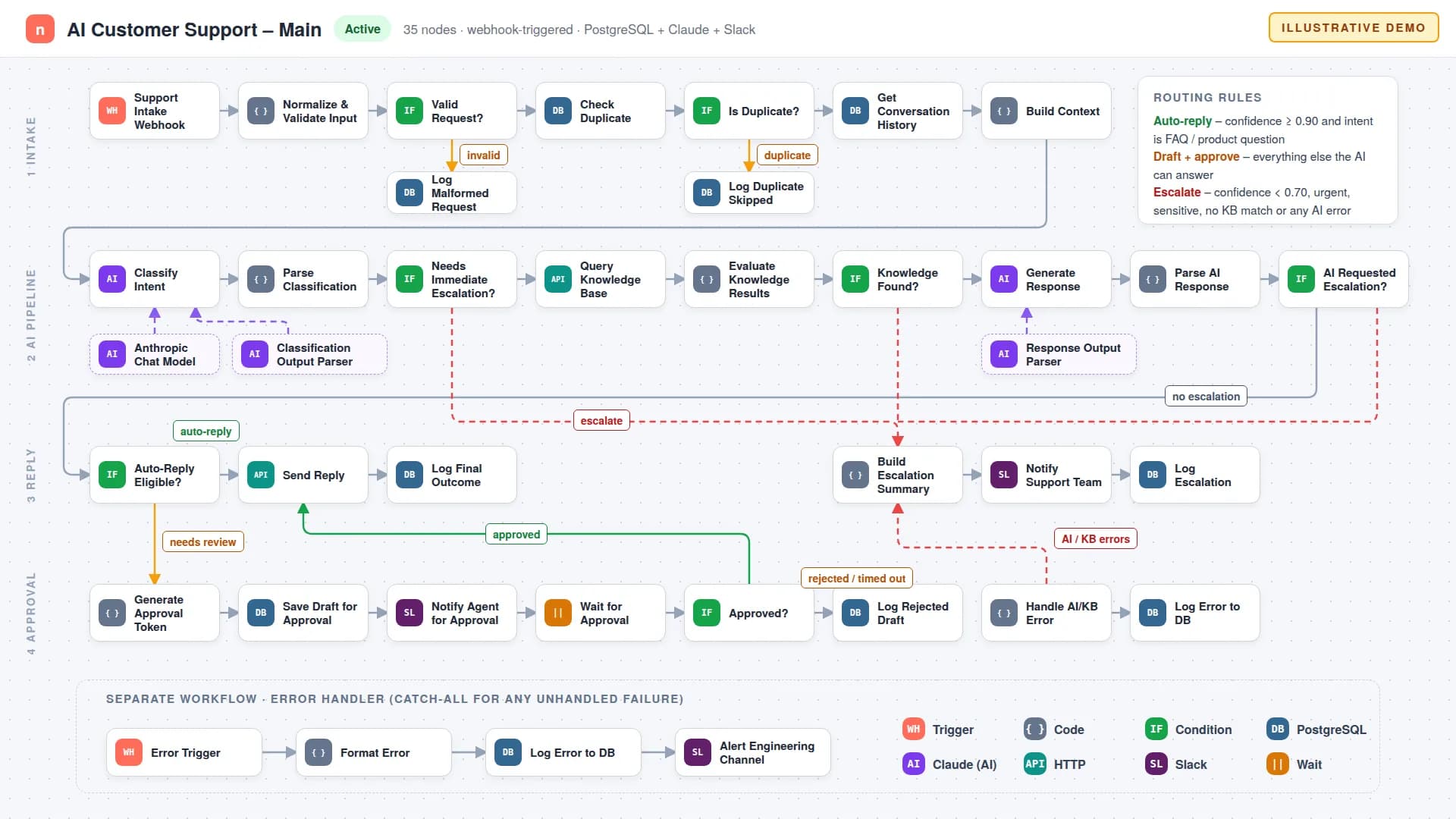
  • n8n canvas of the SupportPilot workflow in four labelled sections, with the routing rules for auto-reply, approval and escalation

    Workflow Automation · Demo build

    SupportPilot: AI customer support automation

    Routine customer questions are answered automatically, uncertain ones become drafts for human approval, and sensitive issues go straight to a person, with every decision logged.

    35

    Workflow nodes

    Customer support
    n8nClaude APILangChain
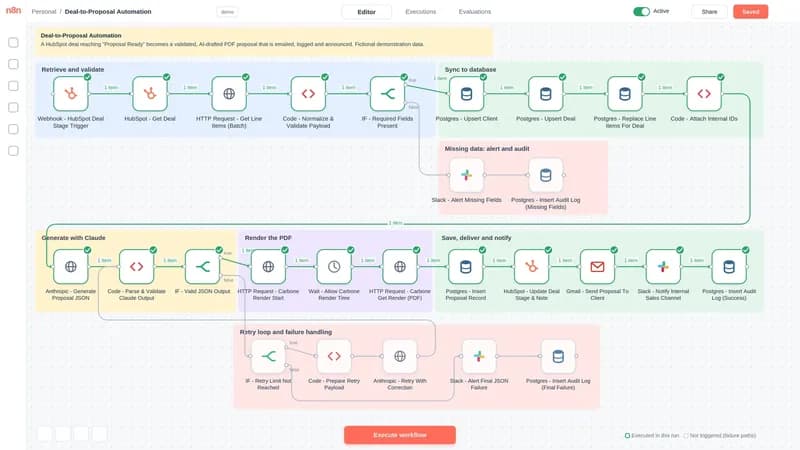
  • n8n workflow canvas showing the full Deal-to-Proposal Automation: HubSpot trigger, validation, database sync, Claude generation, Carbone PDF rendering, Gmail delivery, Slack notification and audit logging, with failure and retry paths.

    Workflow Automation · Demo build (fictional agency and client)

    Deal-to-Proposal: AI proposal automation for HubSpot

    A deal reaching "Proposal Ready" in HubSpot becomes a validated, AI-drafted PDF proposal that's emailed, logged and announced, with no manual drafting.

    7

    Steps from deal stage to logged delivery

    Agencies & professional services
    n8nHubSpotClaude API
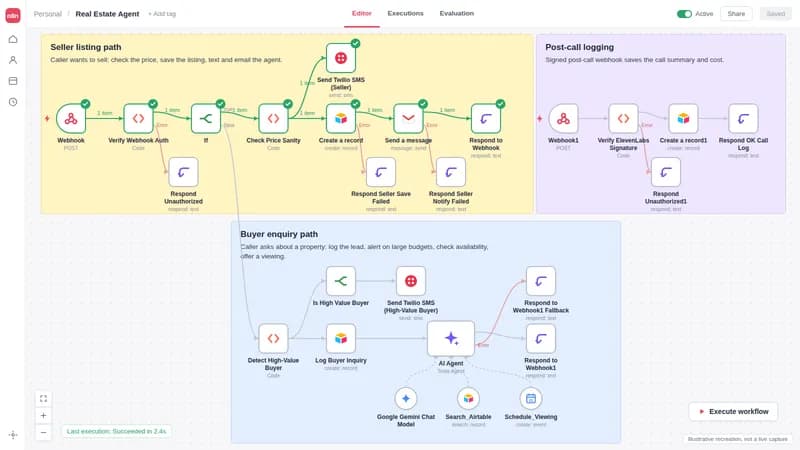
  • n8n workflow with seller listing, buyer enquiry and post-call logging paths

    Workflow Automation · Demo build (fictional UK estate agency)

    AI Voice Receptionist for Estate Agents

    An AI receptionist answers every call, saves sellers and buyers as leads, and texts the agent the moment a big enquiry comes in.

    2

    Caller paths: sellers and buyers

    Property
    n8nElevenLabsGoogle Gemini

Leads slipping through the cracks?

We can connect your website forms to your CRM and team chat, with enrichment, routing and safe error handling built in.